
Collections
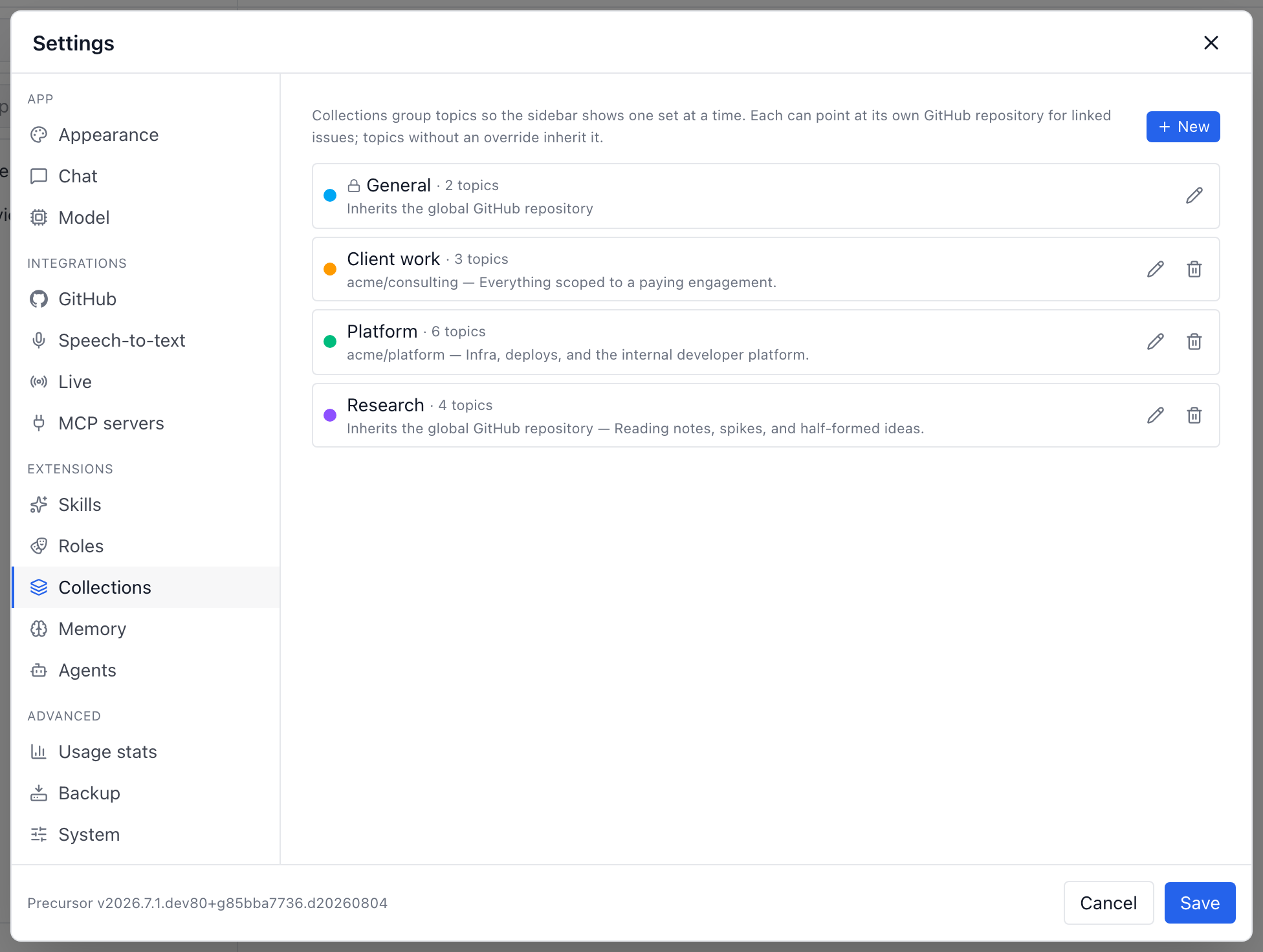
Collections split your topics into separate workspaces of work — Client A, Side project, Personal — so the sidebar only ever shows the threads that belong to what you're doing right now. Each collection can also point at its own GitHub repository, so issues created from its topics land in the right place without touching your global setting.
Every topic lives in exactly one collection. Fresh installs get a single protected General collection, and every existing topic is backfilled into it — so if you never create a second one, nothing changes.
Switching collections
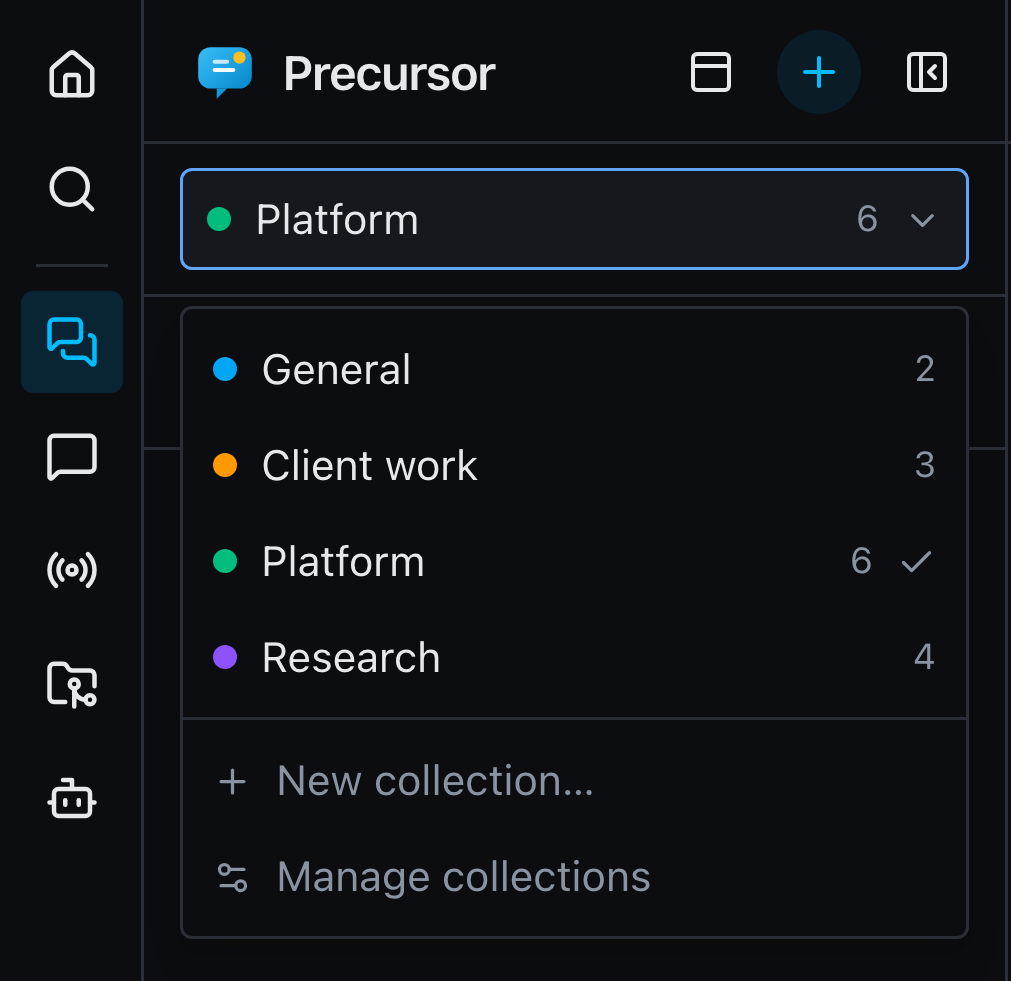
A switcher sits at the top of the Topics panel. Picking a collection re-scopes the topic tree — including Pinned — to that collection alone. Reminders stay visible regardless, so a nudge you set is never hidden behind the wrong filter.
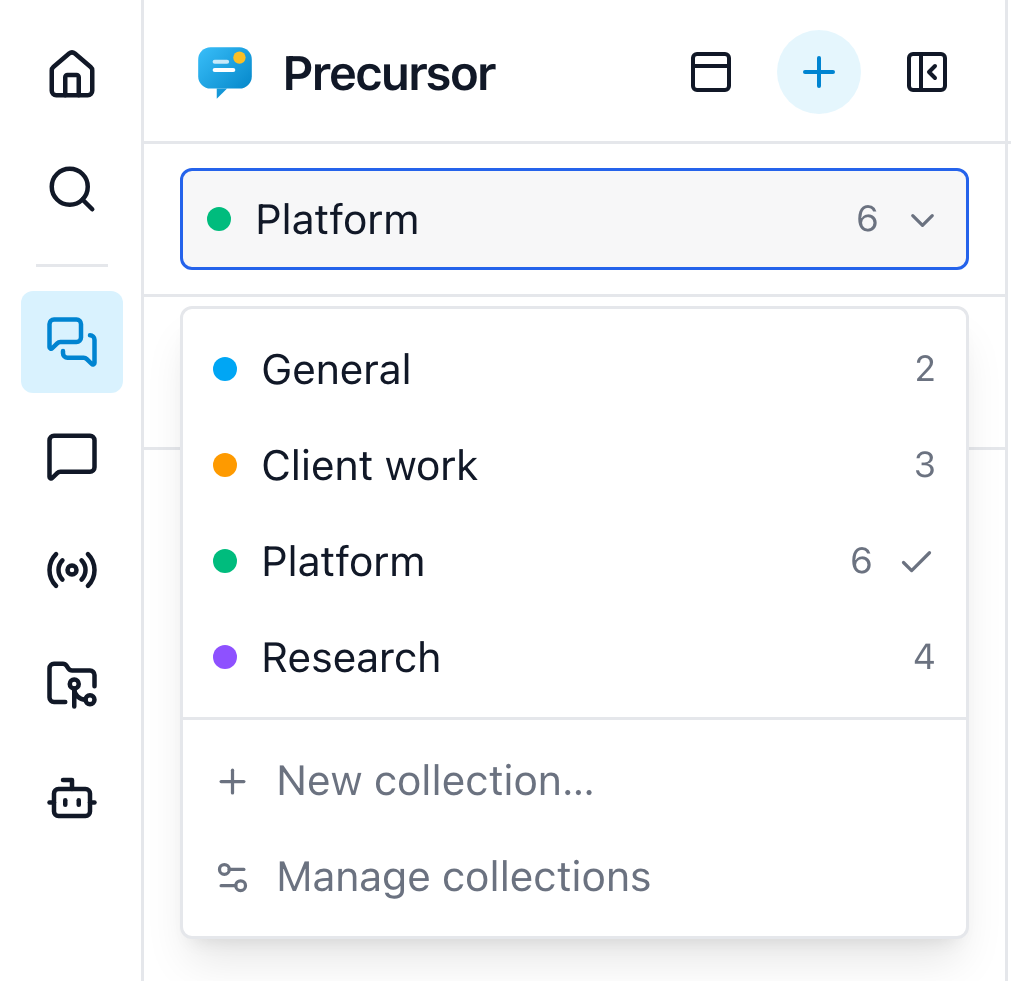
The switcher hides itself entirely while you only have the default collection, so the feature stays out of the way until you want it. The active collection is part of the URL — /topics/client-a, or /topics/client-a/csu/capacity-review for a topic inside it — so a reload, a bookmark or a shared link lands in the right collection. Switching collections clears the open topic.
Because the tree is filtered, unread activity in the collections you aren't looking at would otherwise be invisible — so the switcher carries a dot when another collection has unread messages, and each row shows that collection's own unread count. The Topics badge and the browser tab title always total every collection.
Opening a topic elsewhere follows it
Search, the ⌘K command palette, deep links and the archive are never filtered. If you open a topic that lives in another collection, Precursor switches to that collection for you instead of showing you an empty tree.
What a collection actually filters
A collection scopes where you browse, not what the rest of Precursor can reach. Filtered: the sidebar topic tree and its search box, and the parent topic pickers — a subtree can't span two collections, so only same-collection parents are offered.
Everything that merely refers to a topic spans all collections: the live-session topic picker, an agent's linked topic, unread totals, global ⌘K search, and the archive. Attaching a live session to a topic in another collection is a perfectly ordinary thing to do, and stays available.
Moving topics
There are four ways to move a topic:
- Right-click it in the sidebar → Move to collection.
- Open topic settings and pick a Collection.
- Type
/collection <name>in the topic's composer. Run it bare to list your collections and see where the current topic sits. - Create it while a collection is selected — the create form's Collection field starts on the one you're viewing, and you can change it there before the topic exists. Picking a parent instead makes the sub-topic inherit the parent's collection, and the field says so.
Sub-topics always follow their parent. Moving a topic moves its whole subtree, and re-parenting a topic under a parent in another collection pulls the subtree along with it — a branch can never be split across collections. For the same reason, moving a sub-topic to another collection promotes it to a top-level topic: it takes its own children with it and leaves its former parent behind.
Because the collection is part of a topic's URL, moving one rewrites that URL. Its permalink (/t/<uuid>) doesn't change, so links you've already shared keep resolving.
Per-collection GitHub repository
A collection can carry a owner/name GitHub repo override. Everywhere Precursor resolves the repository for a topic — creating a linked issue, posting a comment, the Kanban board, live-session summaries — it walks a three-step chain:
- the topic's own
github_repo, if set; - otherwise the collection's repo, if set;
- otherwise the global repo from settings.
That makes a collection a natural "this client's work goes to this repo" switch, while a single topic can still opt out.
Per-collection default role
A collection can nominate a default Assistant Role — the persona new topics start with, unless you pick a different one. So a whole collection can lean into one persona (say, a code-review role for your platform work) without you setting it per topic. Set it from Settings → Collections. Deleting a role a collection points at simply reverts that collection to the built-in default.
Managing collections
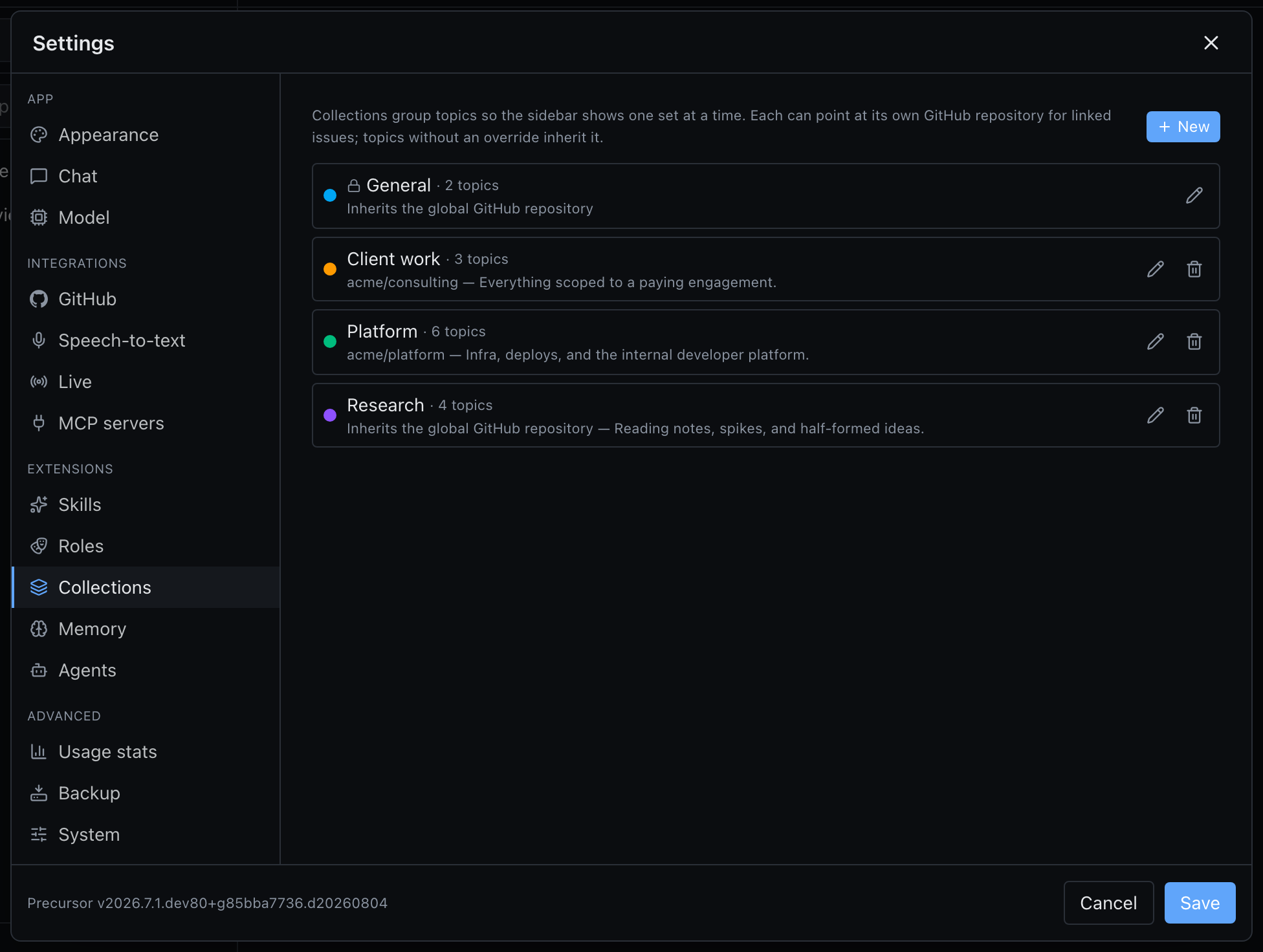
Settings → Collections lists every collection with its topic count, repo, and colour accent, and lets you create, rename, re-describe, re-colour, and delete. The switcher's New collection… row creates one inline without leaving the sidebar.
Deleting never deletes topics. When you remove a collection you choose where its topics go. The General collection is protected — it can't be renamed or deleted — so there is always somewhere for topics to land.
Over MCP
Precursor's own MCP server is collection-aware:
list_topicsandget_topicreport each topic'scollection_idandcollectionname, plus apaththat starts with the collection's slug.list_topicsaccepts an optionalcollectionfilter, matched case-insensitively against a name or slug.create_scheduleaccepts the samecollectionargument, so a scheduled topic an agent creates lands where you'd expect instead of the default.
So an external agent can ask for "the topics in Client A" the same way you'd filter the sidebar.
Not to be confused with…
Workspaces are a different feature: Git clones and local directories the assistant can browse and edit. Collections only group topics; they don't touch workspaces, chats, agents, or live sessions.