
Command runner
The command runner lets the assistant execute bash / python / node as part of a conversation — either inside a throwaway Docker jail (the default) or, when you explicitly disable the jail, directly on the host.
It's exposed as the cmd-runner MCP server.
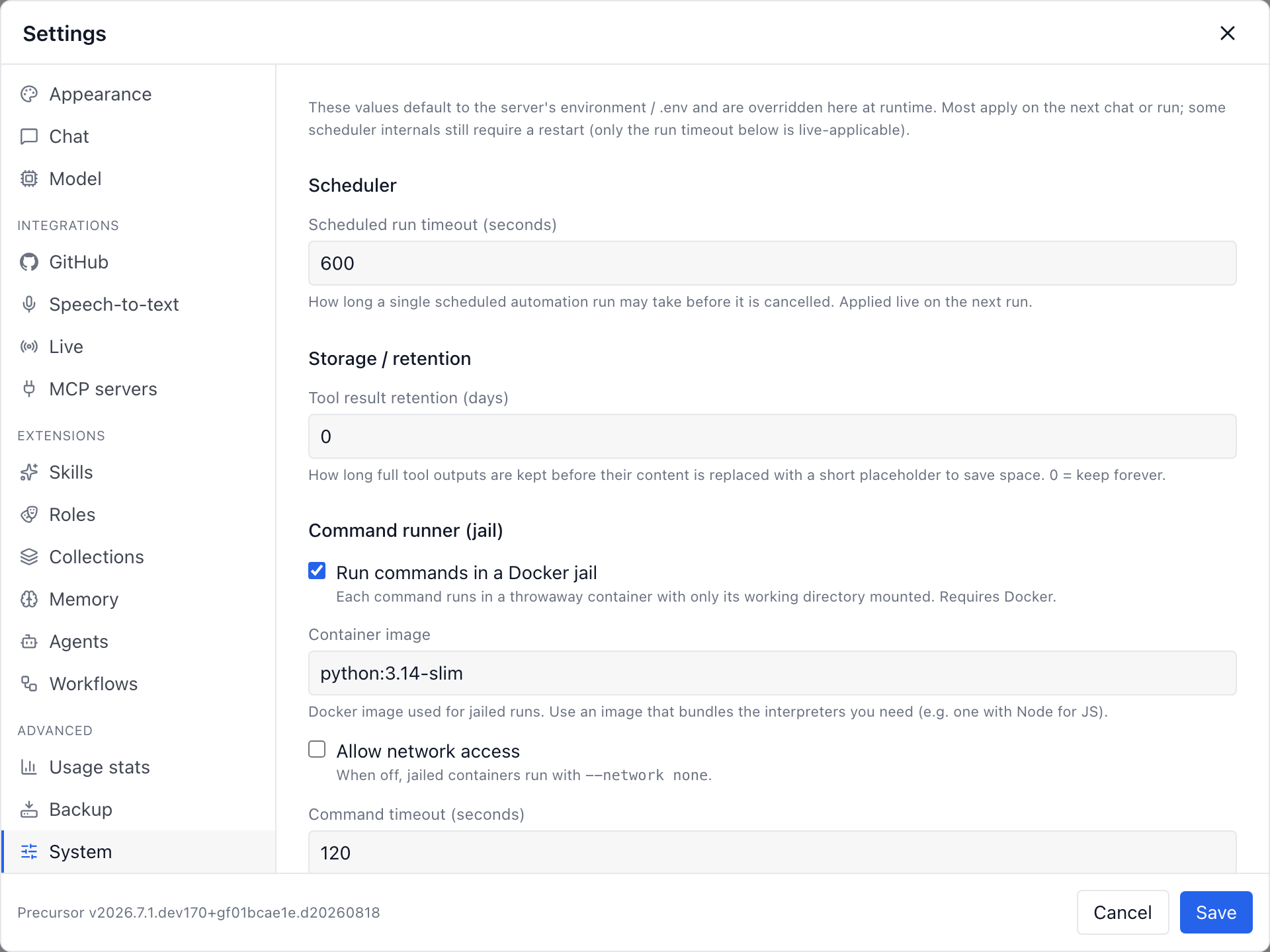
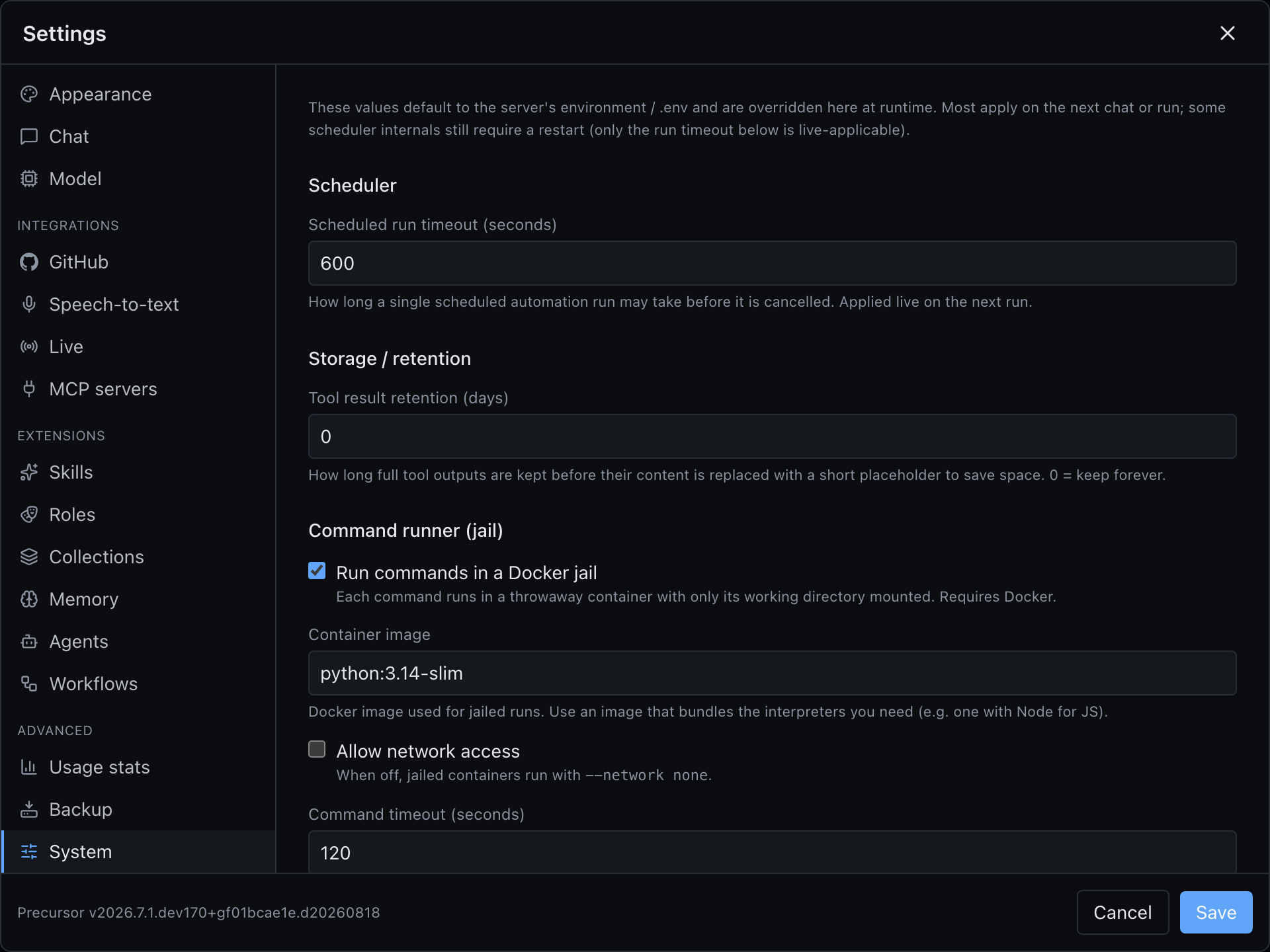
The Docker jail (default)
By default, commands run inside a throwaway Docker container:
- the workdir is bind-mounted in,
- the network is off,
- and CPU / memory / PID limits are applied.
The container is discarded after the command finishes. Enabling the cmd-runner server preflights Docker availability against the effective jail setting, so you can't turn it on without the runtime it needs.
Running on the host (opt-in)
When the jail is disabled, commands run directly on the host with full disk access. This is a loud, opt-in choice with a disclaimer in the UI.
Only disable the jail if you understand the risk
With the jail off, any command the assistant runs has the same access to your machine that you do. Keep the Docker jail enabled unless you have a specific reason not to, and never expose Precursor to a network with the jail disabled.
How it fits together
- The runner pairs naturally with workspaces: the assistant can edit files via the
precursorworkspace tools and then run tests or a build viacmd-runner, all scoped to the workspace. - Scheduled topics can invoke commands too — see the scheduler.
Configure the jail under Settings → System. Its settings live only in the database — there is no PRECURSOR_CMD_RUNNER_* variable — and every command reads them when it starts, so a change applies to the next one without a restart.