
Chats
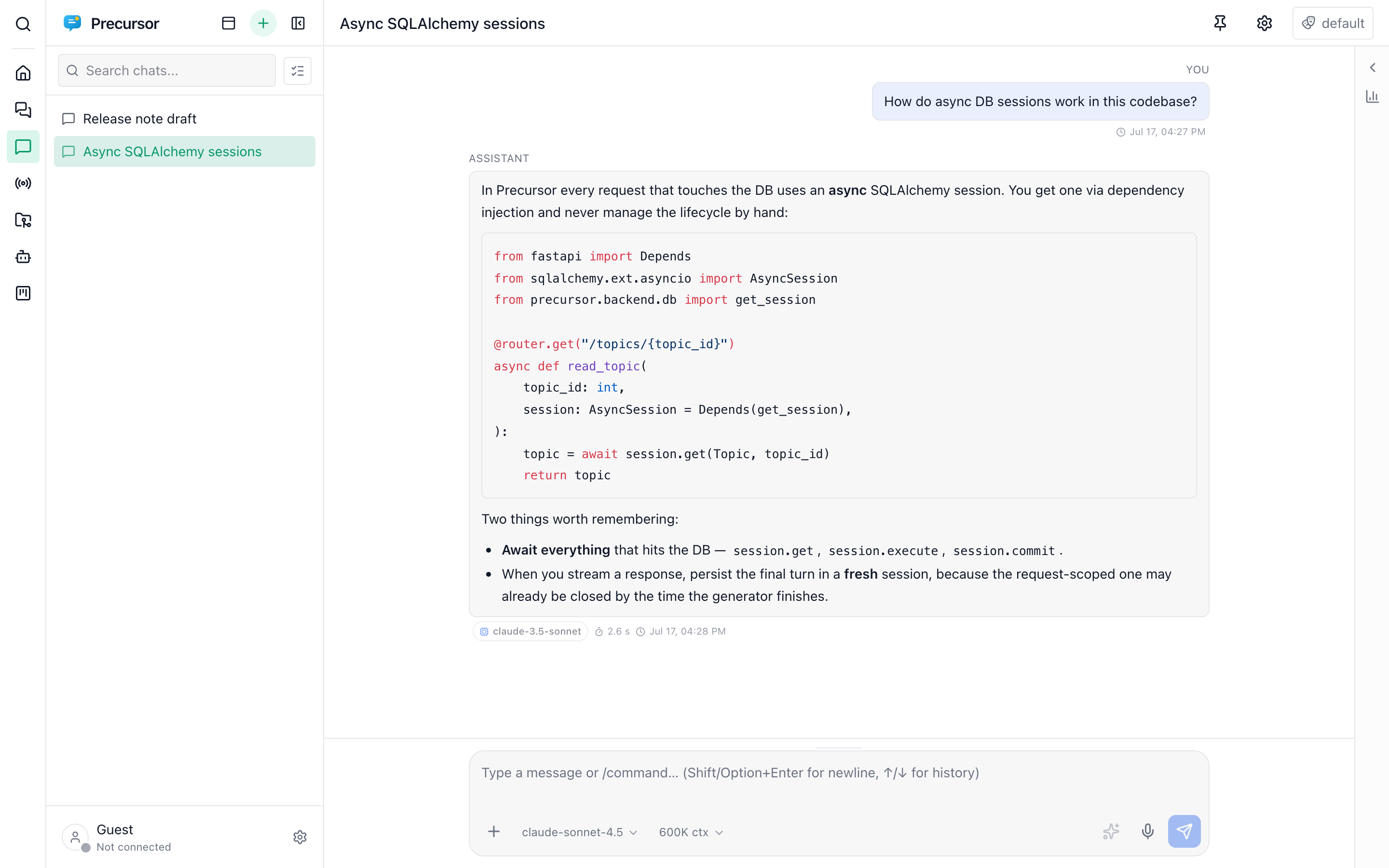
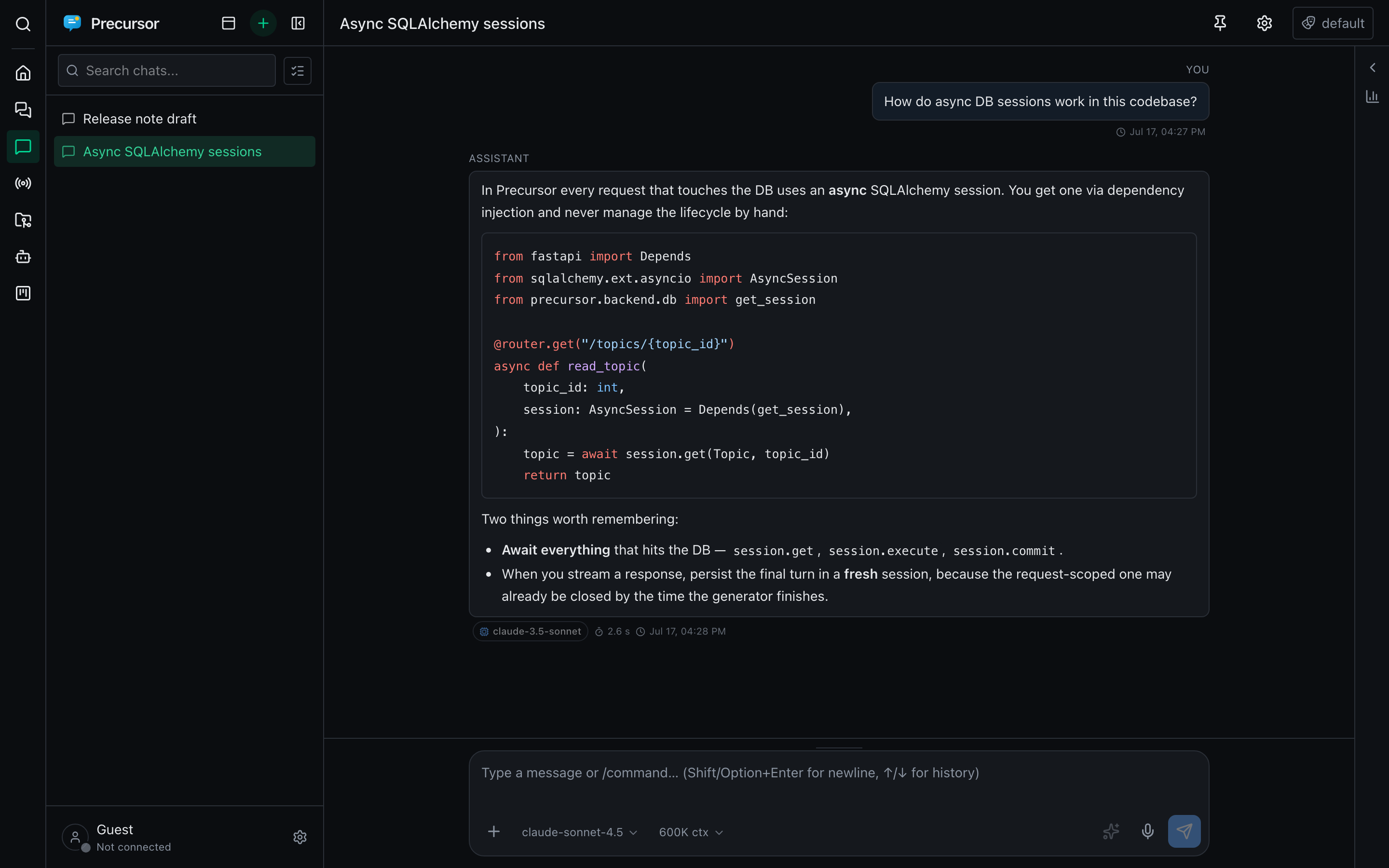
Chats are quick, throwaway conversations — for when you just need an answer and don't want the ceremony of a topic. Type a prompt and get going in seconds.
When to use a chat vs a topic
| Chat | Topic | |
|---|---|---|
| Lifespan | Throwaway | Long-lived |
| GitHub issue link | — | Optional, used as live context |
| Tree nesting | — | Yes |
| Scheduling / reminders | — | Yes |
| Best for | A one-off question | A tracked thread of work |
Reach for a chat to draft a message, explain an error, or brainstorm. Reach for a topic when the conversation is part of ongoing work you'll return to.
Same rich composer
Chats share the same conversation experience as topics:
- Providers side by side: configure GitHub Copilot and Azure AI Foundry once, then choose a model or preset from one picker, grouped by configured provider. Its provider is saved automatically alongside effort and context size. Use global default in the same menu resets the whole selection. Replies, retries, compaction, naming and notes follow it; agents remain Copilot-only. See model selection.
- Multiple Azure AI Foundry deployments in the model picker: configure individual deployment names as removable bubbles on one endpoint in Settings -> Model, then select the deployment for your conversation.
- Streaming replies over Server-Sent Events with live markdown rendering.
- The model's thinking in a collapsed area above its reply, previewing the step it is on while it works — see watching the model think.
- Mermaid diagrams, fenced code blocks, and syntax highlighting.
/slash commands, including skills and the memory commands (/memory-store,/memory-list,/memory-update).- Attachments — images as vision input, PDF / DOCX / PPTX text-extracted.
- MCP tools — the same enabled tool servers, with tool calls shown inline.
- Long-term memory is injected into chats too, so your standing preferences and facts follow you here as well.
- Failed turns surface as a red error notice with a Retry button on the prompt that failed — see when a turn fails.
/compactsummarises a long chat to free the model's context window — see context compression.- Optional model alternatives recover missing-model or rejected-effort/context requests using ordered presets, which may span providers, in the same category. Configure them in Settings -> Presets; nothing changes until configured, and retries never replay already-streamed output.
- Preset profiles in the model dropdown: pick Presets -> Efficiency, Balanced or Intelligence to let the engine choose from that category's ordered model/configuration presets. The category stays selected across model substitutions. Ordinary model choices exit category mode.
- A timeline and rewind: jump between turns from the rail on the right edge, or rewind the chat to an earlier turn — see timeline & rewind.
- Delete with undo,
/clearand Stop work exactly as in topics — see deleting, clearing and stopping. - Editing replies and notes from a selection: fix an assistant reply in place, or lift part of it into
/notes— see editing replies.
Compact composer
The composer only goes compact when it has to. If the model, reasoning effort, context size, approval and role pickers no longer fit on one row — a narrow window, the workspace discussion panel, a phone — they shrink to icons. The current value moves into the tooltip and the accessible name (for example "Model: GPT-5 · Medium"), and the menus open as viewport-clamped popups so they never spill past the edge. It applies to topics, chats, agents and the start screen alike, and the labelled pills come back as soon as there is room again.
Starting a chat
The Start a new chat screen (and the New chat card on the home screen) is a full composer: type a prompt, pick a model and role, use a skill with /, or attach files with the paperclip, paste or drag and drop. Only skills are suggested after /; built-in commands such as /clear need an open chat. Attaching a file creates the chat right away so the upload has a home, and it is deleted again if you leave without sending.
Chats name themselves
A new chat starts as "New chat" — which, after a busy afternoon, leaves a sidebar full of rows you can't tell apart. So Precursor names it for you: as soon as you send the first message, a short side request derives a title from what you asked and renames the chat in place.
It runs alongside the answer rather than after it, so the name usually lands while the reply is still streaming — you never wait on it. If the model is unreachable or returns something unusable, the placeholder simply stays; naming never delays or fails the turn it rides along with.
A title you set always wins. Rename a chat — from the sidebar's right-click menu, the header, or /rename — and auto-naming steps aside for good, even if a naming request was already in flight.
Only the title changes. Chats are addressed by a stable id in their URL, so a rename never breaks a link you've already opened or shared.
/suggest-name
To re-name a conversation later — the opening question turned out not to be the point, or you want a tidier title before archiving — run:
/suggest-nameIt reads the conversation so far and renames it. Available in both chats and topics (topic slugs are left untouched too, so existing links keep resolving).
Turning it off
Settings → Chat → Auto-naming disables it, and lets you point naming at a specific model. Naming is a one-line request, so a small fast model is usually the better choice; leave it on Use default chat model to reuse your main one. /suggest-name keeps working either way.
Unread badges & notifications
Chats — like topics and agents — track unread activity. When a reply arrives while you're looking elsewhere, the chat's row shows an unread count, the sidebar tab highlights, and (when notifications are enabled and the window is unfocused) a browser notification fires. Opening the chat clears its badge.
For an audible cue, turn on Play a sound when a reply finishes in Settings → Chat: a short, quiet pop plays when a reply you asked for in a topic or chat completes. It's off by default, and stopped or failed turns stay silent.
Right-click a chat in the left sidebar to rename, pin, set a reminder, open /notes, or archive it.
Tool approvals
Each chat can have its own tool approval policy — manual, balanced or autonomous — set from the shield pill in the composer. A call that needs your go-ahead appears as an inline card in the transcript, and the chat's row in the sidebar shows an amber shield badge until you answer. The chat's settings list its approval rules.
Side chats
A side chat is a chat started from a topic, for a tangent you want to explore without adding it to the topic's own conversation. It stays linked to that topic.
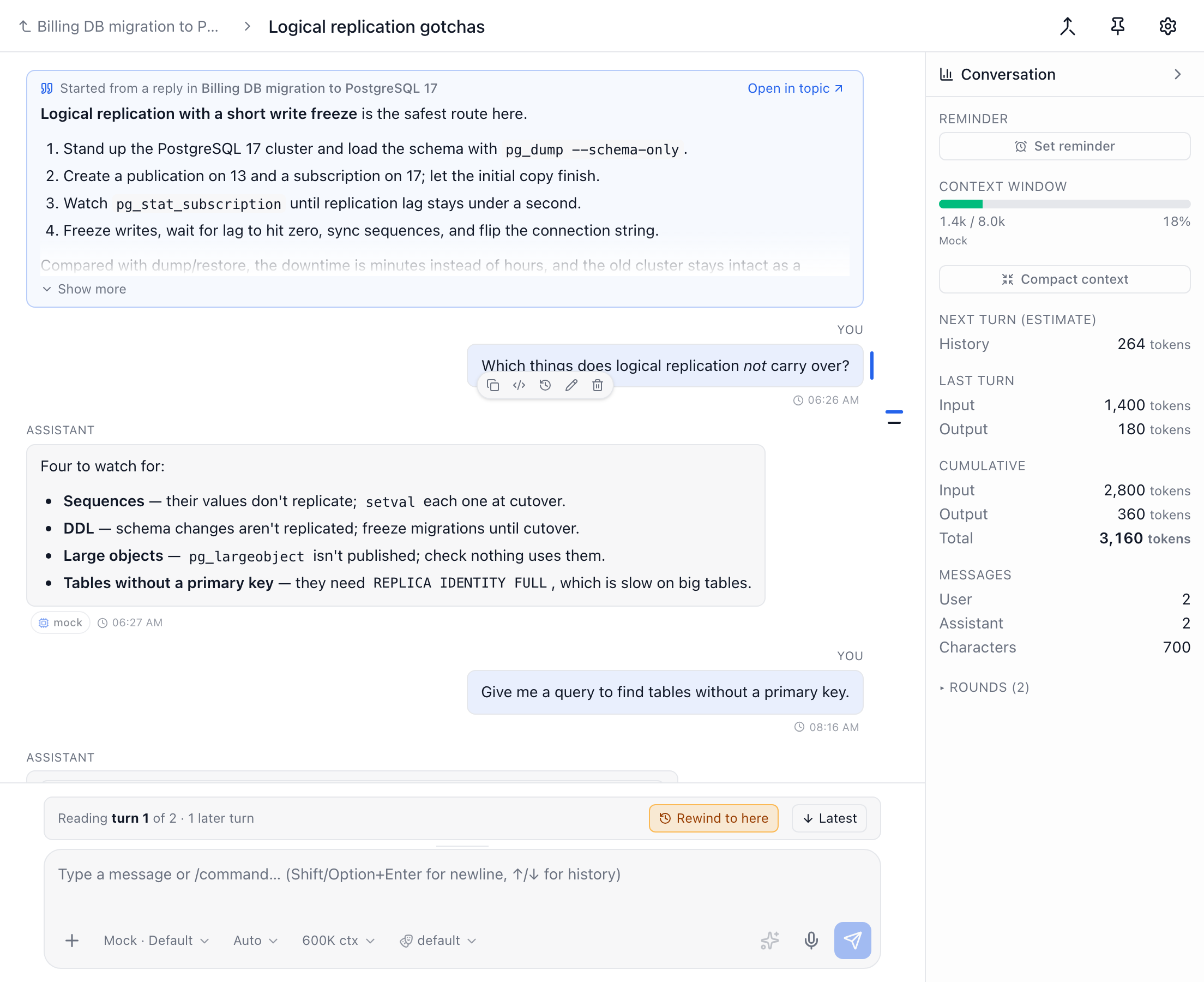

Start one from a topic in four ways:
- From a reply: hover an assistant reply and click Start a chat from this reply in its toolbar. The chat quotes that reply at the top.
- From part of a reply: select some text in an assistant reply and click Side chat in the toolbar that appears over it. The chat quotes only the selected text.
- From the whole topic: click the New side chat button (a speech bubble with a plus) in the topic's header, choose New side chat when you right-click the topic in the sidebar, or click New under Side chats in the topic's right panel.
- With
/side-chatin the topic's composer. Any text after the command is sent as the chat's first message.
What the side chat knows:
- On every turn, the model gets the parent topic's title, description and summary (when it has one) as background.
- A chat started from a reply also gets a copy of that reply. It's a copy, not a live link: it stays if the reply is later rewound or deleted in the topic. Only the Open in topic shortcut on the quote goes away then.
- The chat starts with the topic's assistant role. You can change it like in any chat.
- A new side chat is called Side chat until its first message, when it names itself.
- If you open a side chat and leave without using it, it's deleted, so a quick look leaves nothing behind. It's kept as soon as it has a message, a title you chose, a reminder, a description, a pin or notes.
Getting around:
- The chat header shows the parent topic with a back arrow. Click it to return to the topic.
- Open in topic, on the quoted reply, opens the topic and scrolls to that reply.
- In the topic, a reply that side chats were started from shows a link chip for each of them under it. A chip shows the chat's title, its unread count and a bell when it has a reminder. Click it to open the chat.
- The topic's right panel lists its side chats. Each row shows the chat's unread count, a bell when it has a reminder, how many messages it has, and when it was last active. Archived side chats leave that list. Unarchiving one brings it back.
- In the Chats list, a side chat has a small split icon. Hover it to see which topic the chat belongs to.
Sending the outcome back to the topic
When a side chat has settled something, file it into its topic so the topic's history and summary pick it up. Click Send to topic (the merge icon) in the chat's header, or run /send-to-topic. Any text after the command says what to focus on.
The model writes a short note: what was explored, the conclusions and the follow-ups. You review and edit it, then Send to topic files it into the topic as a note, headed by a link back to the side chat. Nothing is sent until you confirm.
Archiving and deleting
When you archive a topic that has open side chats, Precursor asks whether to archive them too. Keep them open archives only the topic. Restoring the topic brings back the side chats that were archived with it, but not ones you archived on their own.
Deleting the topic keeps its side chats. They just stop being linked to it, and a chat started from a reply keeps its copy of that reply.
Promoting a side chat to a topic (from its settings) creates a sub-topic of the topic it was started from, in that topic's collection. A chat started from a reply keeps its quoted reply: the new topic shows it above its transcript and gives it to the model on every turn, as the chat did. A side chat whose topic was deleted becomes a top-level topic, like any other promoted chat.
Promoting an ordinary chat asks, in the confirmation dialog, for the target collection and the parent topic (or top level) before promoting; the topic lands in the parent's collection.
Artifacts and workspaces
A chat — like a topic — keeps the workspace files it created or you attached as Artifacts in the stats area on the right. Click one to open the workspace on that file with the chat beside it. A chat started from a workspace's Discuss button is an ordinary chat and appears in this list.

